

No mission. Just the atmosphere.
Build a night drive, a rainy street loop, or a quiet place to study. Start with a good scene and let it breathe.
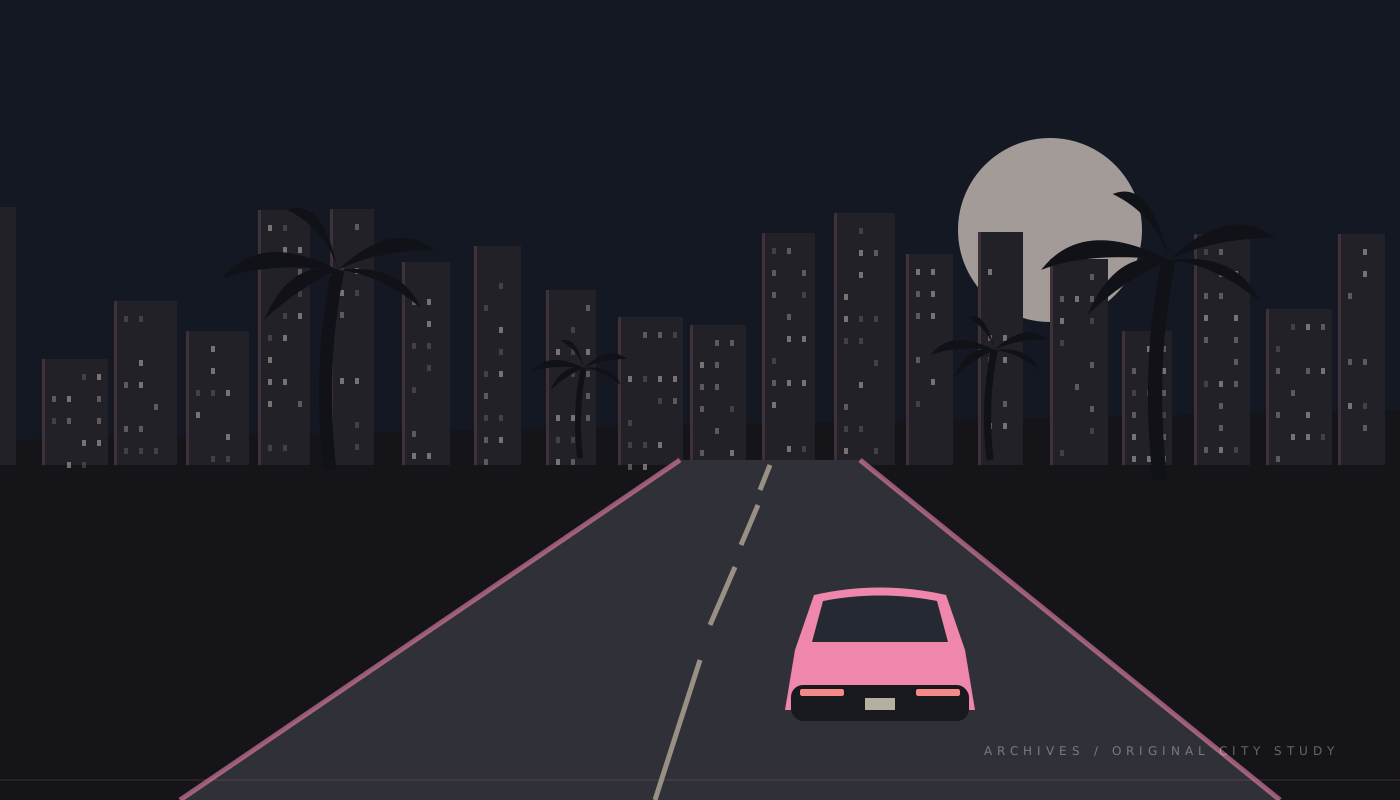
Slow down the city4 scenes
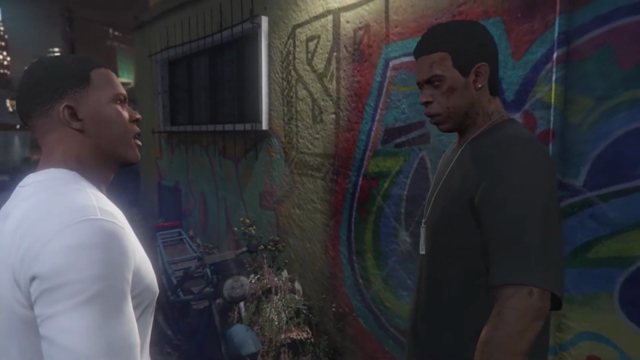
After-hours drive
A slow route, a steady camera, and city light. Keep hard cuts away from the quietest moments.
Explore footage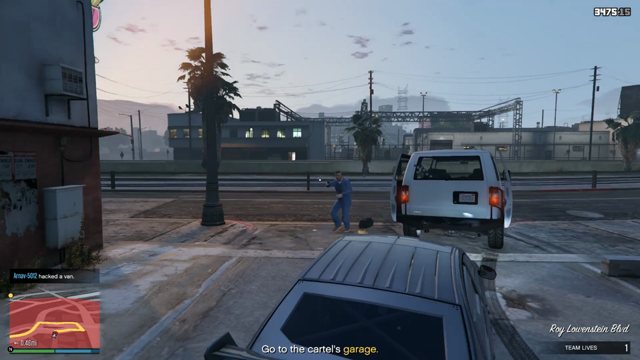
Rain on the boulevard
Let the environment carry the scene. Record clean ambience separately from the in-game radio.
Explore footage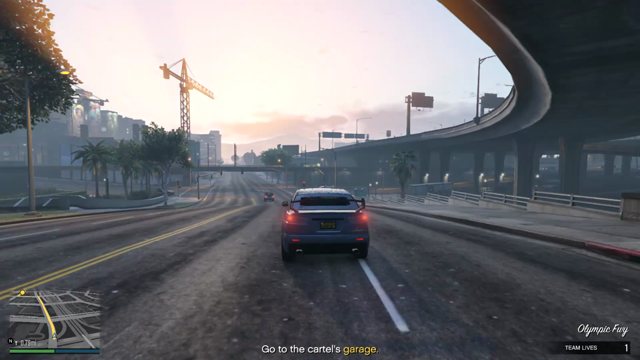
The golden-hour loop
Choose a repeatable camera position. Similar first and last frames make a gentler loop.
Explore footage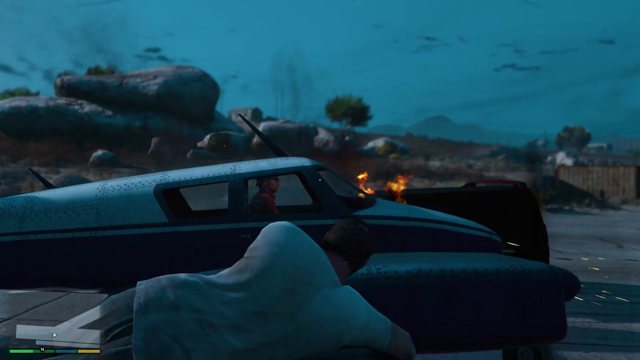
A little room to breathe
Wide frames and unhurried movement. Make a short proof before committing to a long render.
Explore footageMake a 30-second proof first.
- 1
Choose a stable shot
Find a source you have permission to use. Avoid rapid camera turns, collisions and crowded overlays. The archive rights label points to provenance; it is not a commercial-use guarantee.
- 2
Listen before adding music
Mute copyrighted in-game radio. Try the scene with original ambience only. If you use a music library, save the track’s license, attribution and download date.
- 3
Hide the join in plain sight
Find two moments with similar framing and motion. Trim there, repeat the section, and watch the seam three times. A hard cut can work when movement and sound match.
- 4
Build the short version here
Pull a short section of the scene into your editor. Check the seam and the sound in your own editing software before you commit to a longer render.
- 5
Move to a long-form timeline
For a 30-minute or hour-long version, take the verified short loop into Kdenlive, Shotcut or another full editor. Recheck continuity, audio levels, codec and file size before a large render.